Phone lockers: the limits and the modern alternative
With the ban on mobile phones in the classroom, primary schools, middle schools and high schools widely adopted the storage locker in the 2010s to organise the physical drop-off of pupils' devices. A decade later, the verdict on this approach is far from satisfactory: lost keys, daily forgetfulness, heavy maintenance, unsuitability for large campuses and, above all, total incompatibility with today's digital habits. In the meantime, a new generation of solutions has taken hold in public places and large higher education institutions: the self-service power bank station, which meets the same charging needs without immobilising the device or tying the pupil to a fixed location. After looking at wall sockets, this guide looks at the real limits of the mobile phone locker, explains why this model is increasingly challenged, and details the modern alternative that is now becoming the reference for all institutions that demand safety, simplicity and freedom of use.
The mobile phone locker: a historic solution showing its limits
The lockable locker long seemed the obvious answer to the ban on mobiles in the classroom. In practice, the field experience accumulated by equipped schools reveals a much more mixed picture.
The technical principle of the charging locker
In concrete terms, a mobile phone locker takes the form of a metal or composite cabinet, divided into individual compartments a few dozen millimetres deep, each fitted with a USB cable for charging and closed by a key lock or a code. The pupil drops off their device, locks the compartment, and collects their phone at the end of the lesson or the end of the day. On paper, the formula looks simple. In practice, it creates multiple day-to-day frictions.
The obligation to leave your phone in a fixed place
Do you have to immobilise your phone to charge it in a school? The secure locker formula rests entirely on this immobilisation, which paradoxically is its main flaw. For the whole time it is dropped off, the pupil is deprived of their device, and therefore of their digital timetable, their collaborative work tools, their means of communicating with classmates and sometimes their teaching materials directly linked to lessons. This deprivation, acceptable during a 55-minute lesson, becomes totally unsuitable once the school day is organised around integrated digital uses.
.png)
Daily incidents: lost keys, forgotten phones, maintenance
The administrative staff of equipped schools and high schools know it well: the storage locker generates a continuous stream of small incidents. Keys are regularly lost, codes are forgotten, pupils leave at the end of the day without collecting their device, which ties up staff returning forgotten items the next morning. Electronic locks break down, USB cables wear out from handling, and vandalised compartments have to be replaced. This daily management represents significant administrative time that few institutions had anticipated at the time of installation.
Installation and maintenance constraints
A wall-mounted storage cabinet or a floor-standing storage box requires suitable installation, a dedicated electrical connection and regular supervision to prevent damage. Recurring technical maintenance (replacing faulty cables, reprogramming locks, changing batteries, cleaning) represents a recurring budget often underestimated at the time of purchase. On entry-level models, the real lifespan of components rarely exceeds three to five years, which forces regular renewal of the whole set-up. With OneFlash, installation is quick, find out how the set-up works.
A solution unsuited to large campuses and higher education
On a university campus, a vocational training centre or a high school spread across several buildings, the very logic of the locker becomes a blocker. The student who drops their phone in a cabinet in one building cannot collect their device elsewhere, nor keep using it while moving between classrooms, the library, the university restaurant or their group work space. This rigidity is fundamentally incompatible with contemporary uses, where the smartphone serves at once as a building access badge, a pocket computer, a means of communication, a payment tool at the canteen and a teaching aid built into lessons.
The self-service power bank station: the real modern answer
Faced with the structural limits of the locker, a new generation of solutions has developed and is gradually becoming the reference for demanding schools, particularly in higher education.
What is the difference between a phone charging locker and a self-service power bank station?
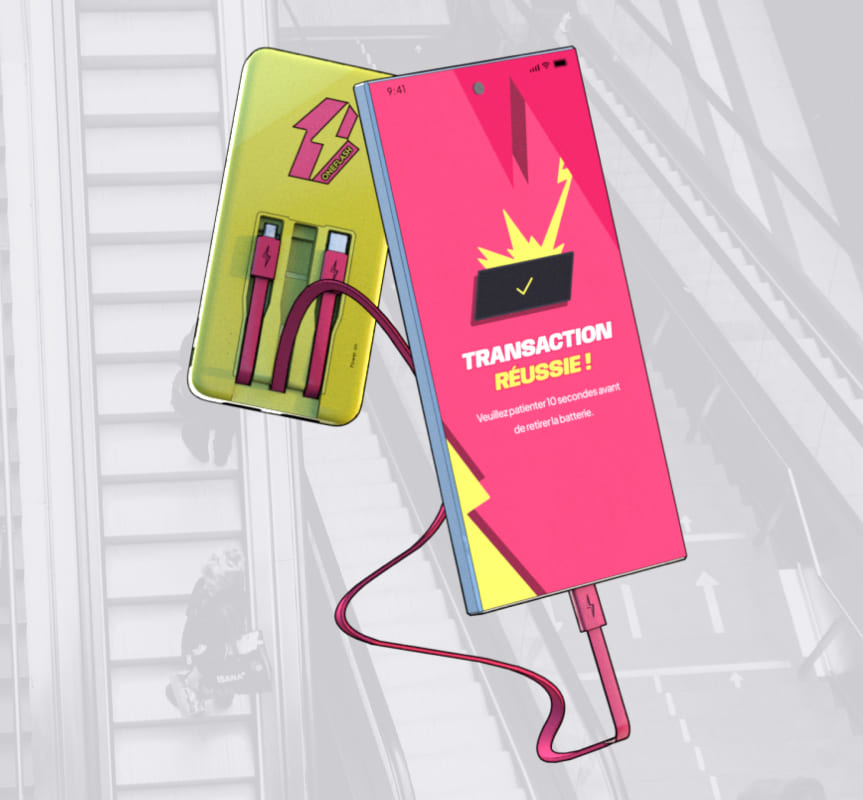
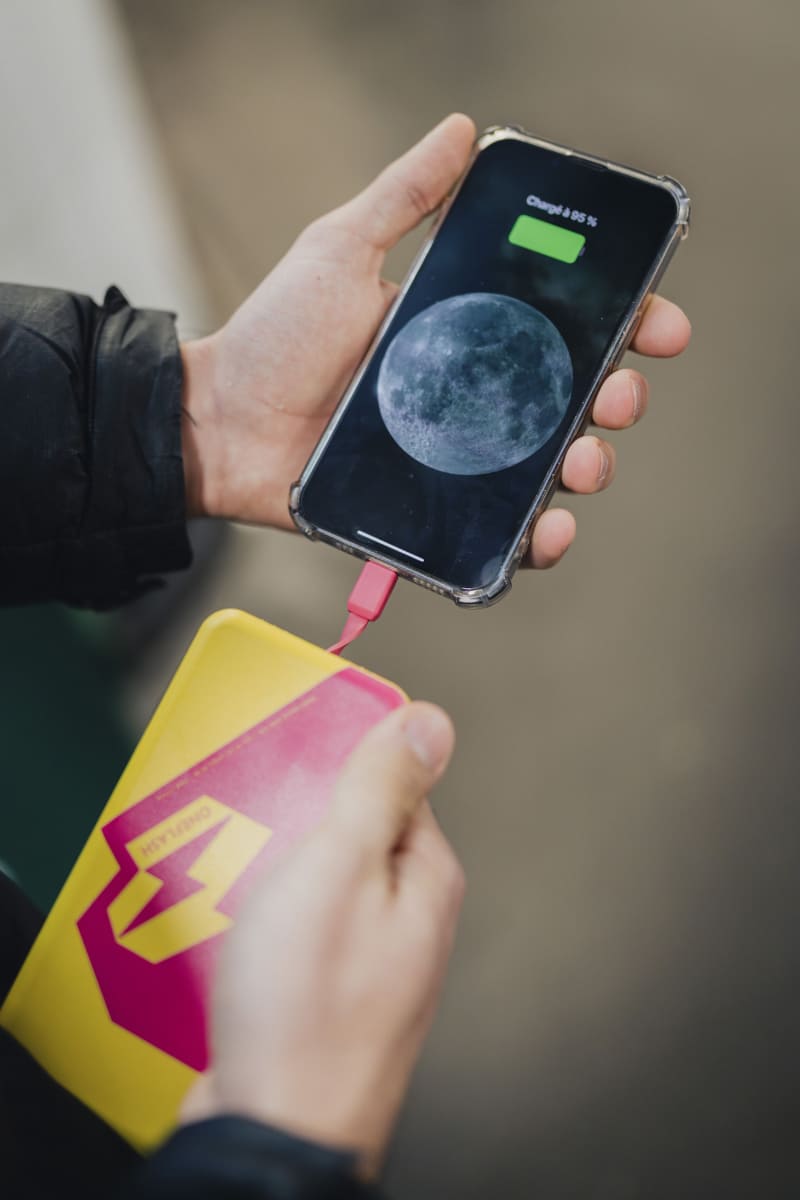
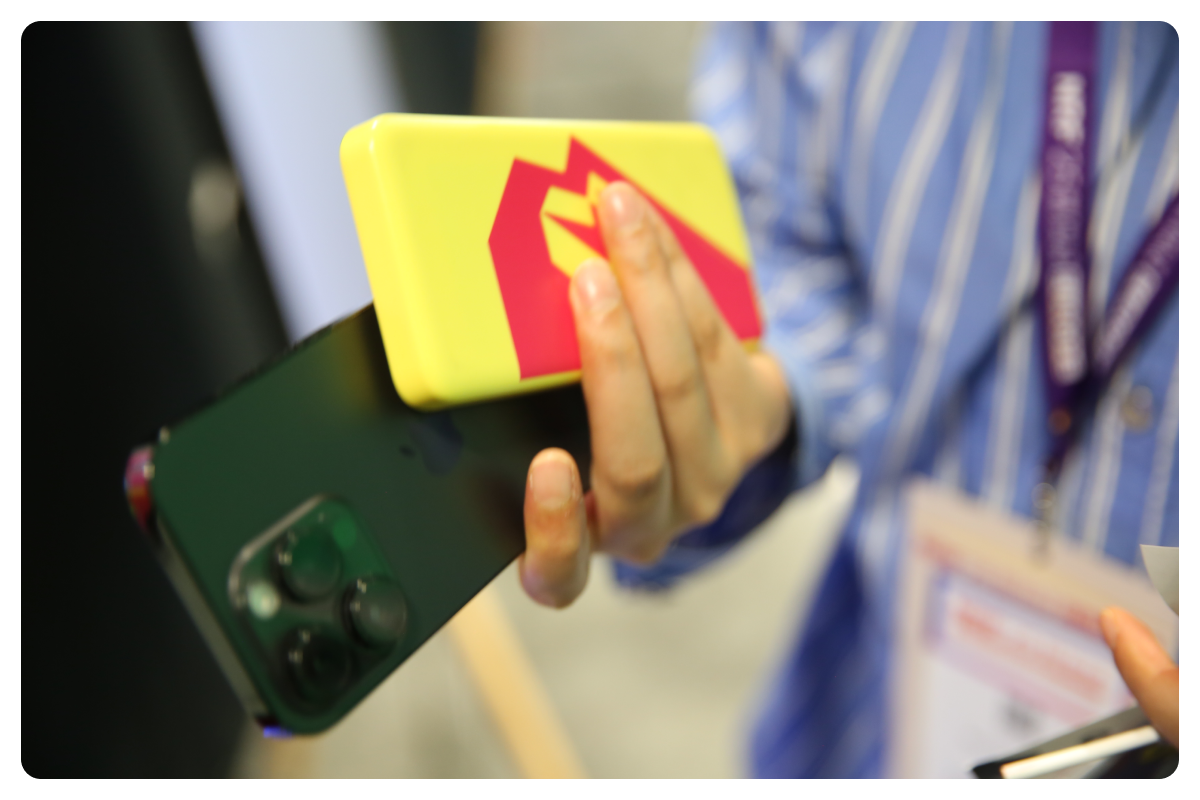
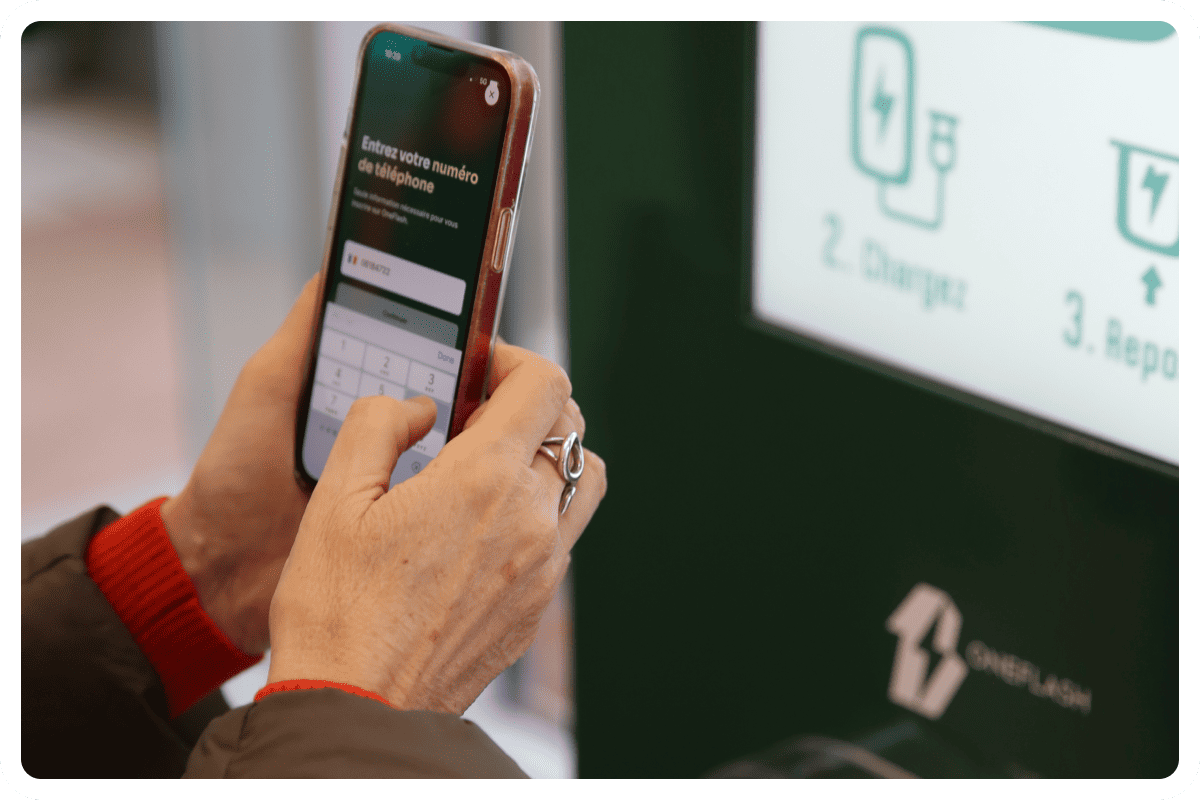
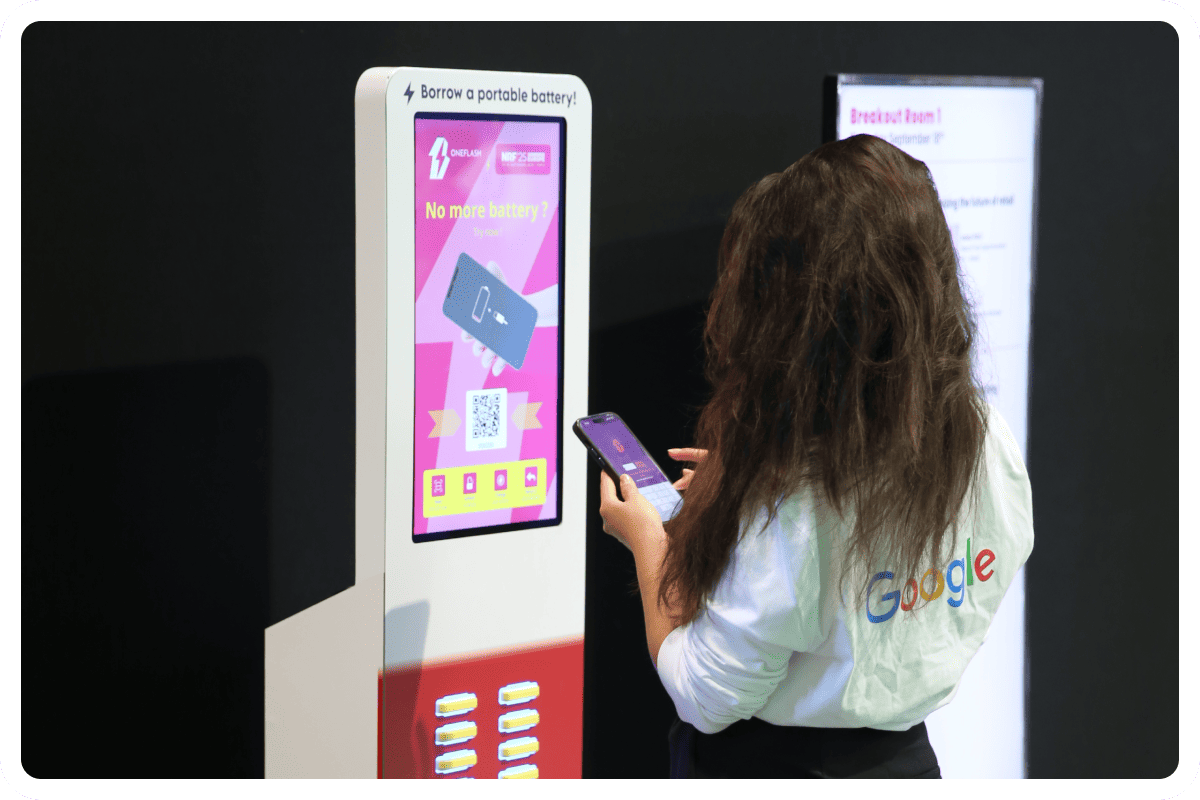
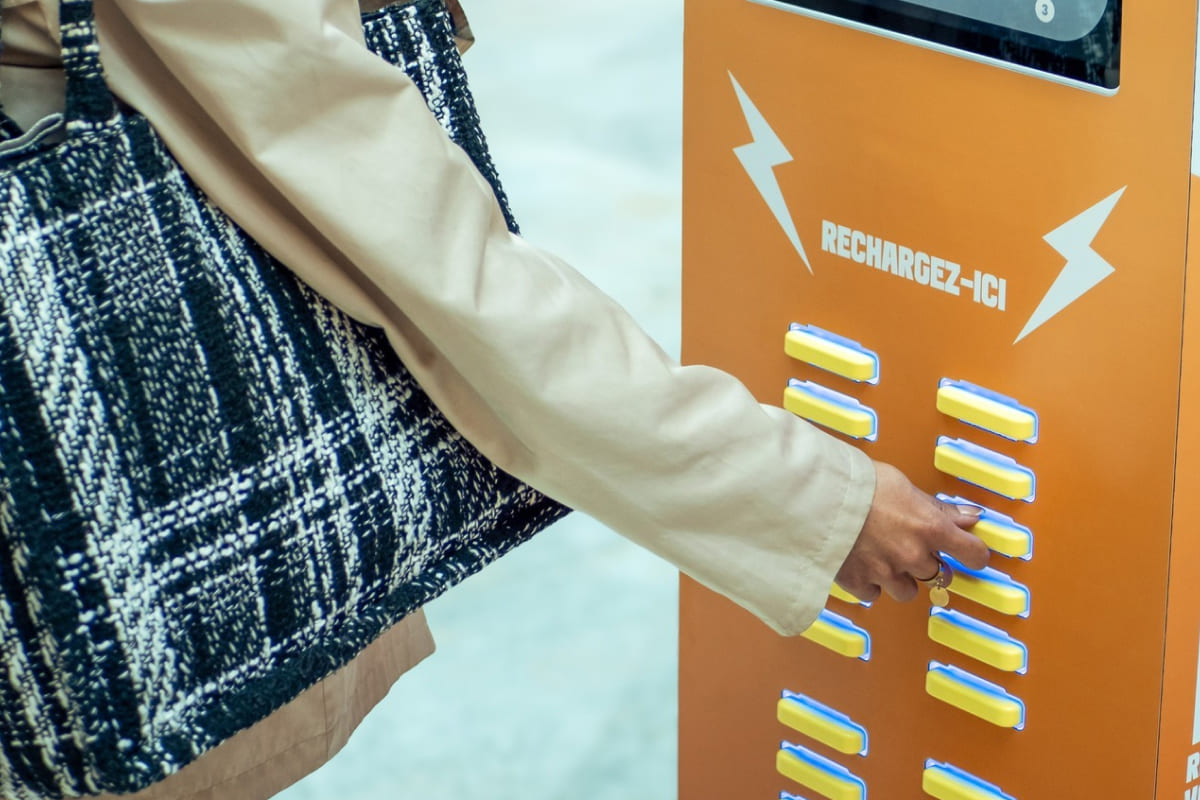
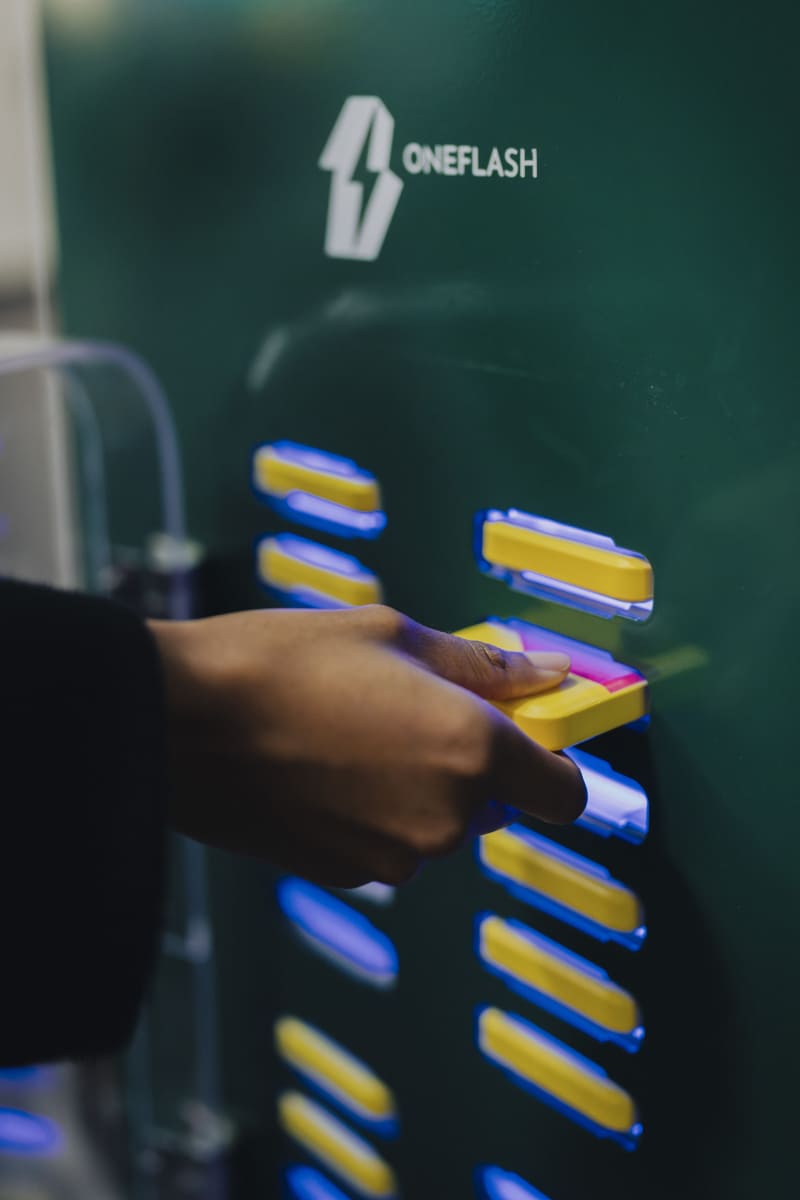
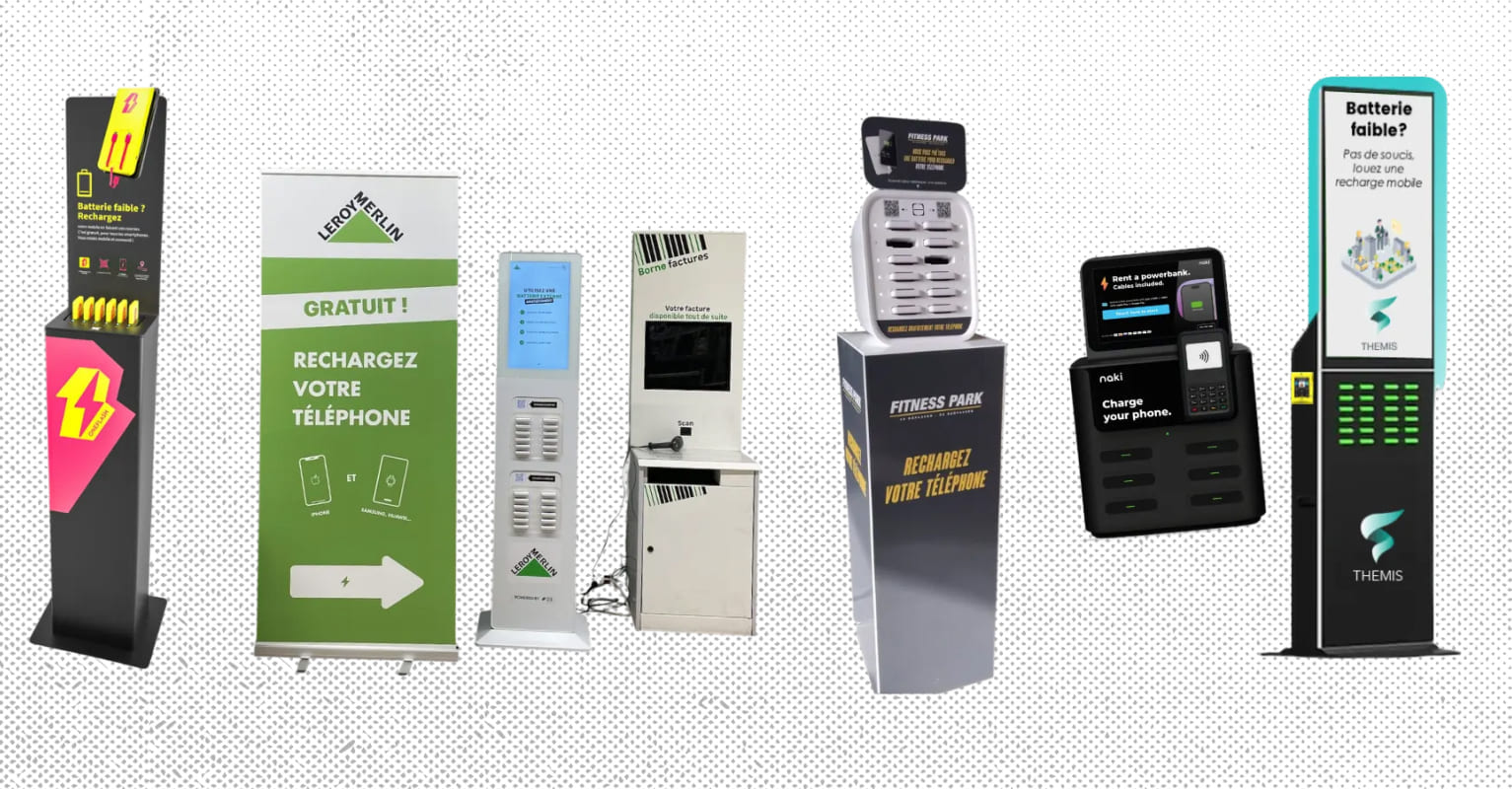
The difference is fundamental and changes everything in use. Where the locker immobilises the device for the whole charging time, the station sets the user completely free. The principle is simple: the pupil scans a QR code on the station installed in their school, borrows a pre-charged power bank fitted with the main cables compatible with all devices on the market (USB Type-C, Lightning, micro USB), and uses it while carrying on using their mobile phone as normal. The smartphone stays in their pocket, the power bank slips into their bag, and charging happens while the pupil goes about their day with no constraint.
Which solution gives pupils more freedom: the secure locker or the portable power bank?
The answer is not up for debate. The secure locker imposes a double physical constraint (immobilising the device and having to return to the original location), whereas the self-service portable power bank removes both limitations at once. The pupil can borrow a power bank at the campus entrance, use it during a lecture in a lecture theatre, keep it during their lunch break, then return it to any other station in the network, including outside the school at a partner venue in town. This total flexibility is structurally out of reach for the locker model.
.png)
A solution compatible with every phone model
The power banks offered in modern stations include the three main connectors on the market as standard, which guarantees universal compatibility with all the smartphones used by pupils and staff. No adaptation, no extra cable to provide, no case or additional accessory: the power bank works immediately with all devices, which considerably simplifies deployment compared with a locker whose fixed cables have to be replaced regularly to keep up with changing standards.
Simple, unsupervised access
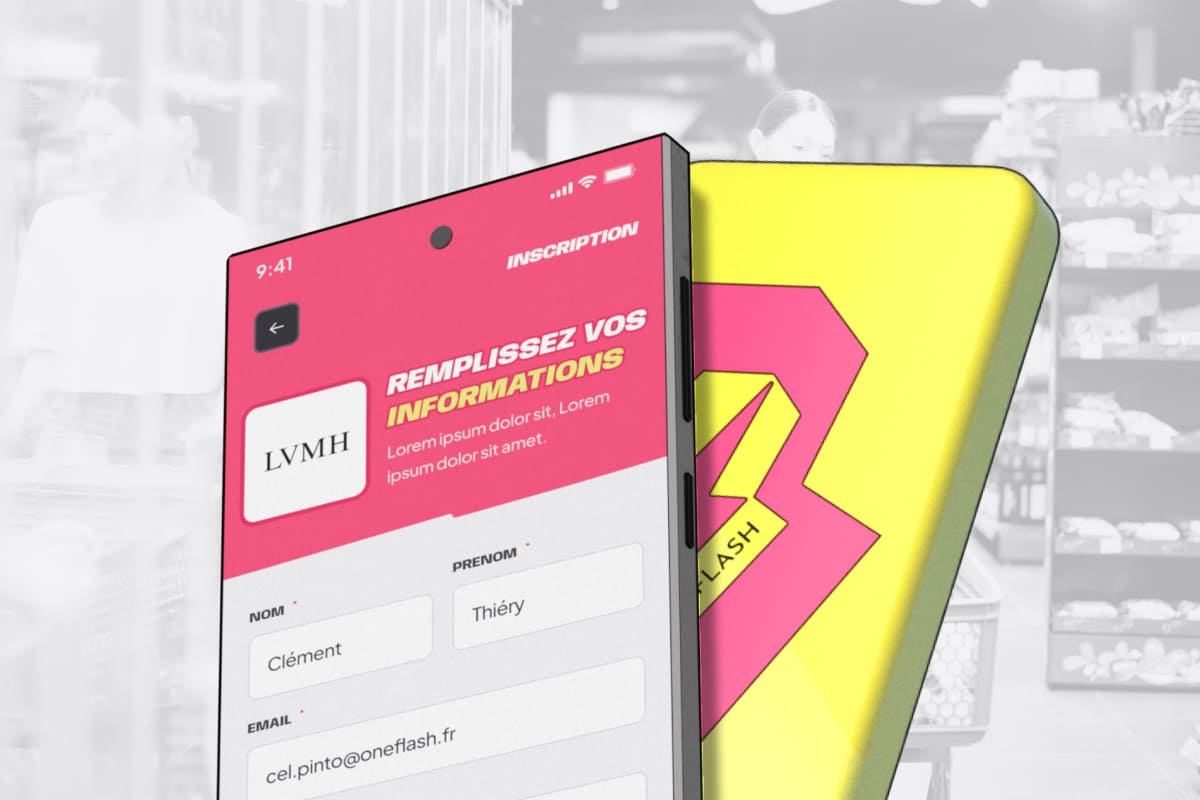
The user journey is deliberately streamlined: a QR code, SMS identification, and the power bank is released within seconds. Unlike the locker, which requires a key or a code to remember, the station creates no risk of forgetting or losing anything. The institution does not need to tie up administrative staff to handle daily incidents: the network of stations runs completely autonomously, with technical supervision provided remotely by the service operator.
A business model suited to schools
On the budget side, the power bank station also follows a different logic from the classic locker. Where the storage cabinet represents a heavy initial investment with a recurring maintenance cost, the self-service station often relies on a rental model or on a system where the service operator covers all installation, maintenance and renewal costs. For the school, the initial investment becomes minimal, or even zero depending on the business model chosen. OneFlash offers different models, to align with your strategy. Discover the different models on the pricing page.
The right choice depending on the institution's profile
The context of each primary school, middle school or high school obviously shapes the decision, but the underlying trend is clear.
On a single, modest-sized site where the strict ban on phones in the classroom is the absolute priority and where the school day is short, a simple drop-off locker, not necessarily with charging, can still have its place to make the rule tangible. It is the only scenario in which the formula remains acceptable, provided you accept its day-to-day management limits.
In all other contexts, and particularly in large middle schools, vocational high schools, apprenticeship training centres and higher education institutions, the self-service power bank station is now the best answer. It meets the charging need without imposing an outdated immobilisation, it adapts naturally to multi-building campuses, it offers universal compatibility with all pupils' devices, and it frees staff from the maintenance and incident-handling burdens specific to the locker. For school management teams preparing their next digital equipment investment, the choice deserves to be made without preconceptions: the reference solution of the 2010s is no longer the reference solution of the 2020s.
In summary
The mobile phone locker was long presented as the default answer to the ban on smartphones in the classroom, but its operational record is now challenged by the institutions that have used it for several years. Systematic immobilisation of the device, daily incidents with lost keys, heavy maintenance, recurring cost and unsuitability for large modern campuses: the formula piles up structural limits. The self-service power bank station is now the mature alternative that meets the same need without the drawbacks: charging on the move, universal compatibility with all devices, no administrative management at all, a lighter business model for the institution. For all schools, middle schools, high schools and campuses that want to offer a useful service to their pupils without falling back into the flaws of the traditional locker, self-service is becoming the reference solution for the years ahead.
Discover OneFlash, the European leader in self-service mobile charging!
Découvrez tout nos autres articles :
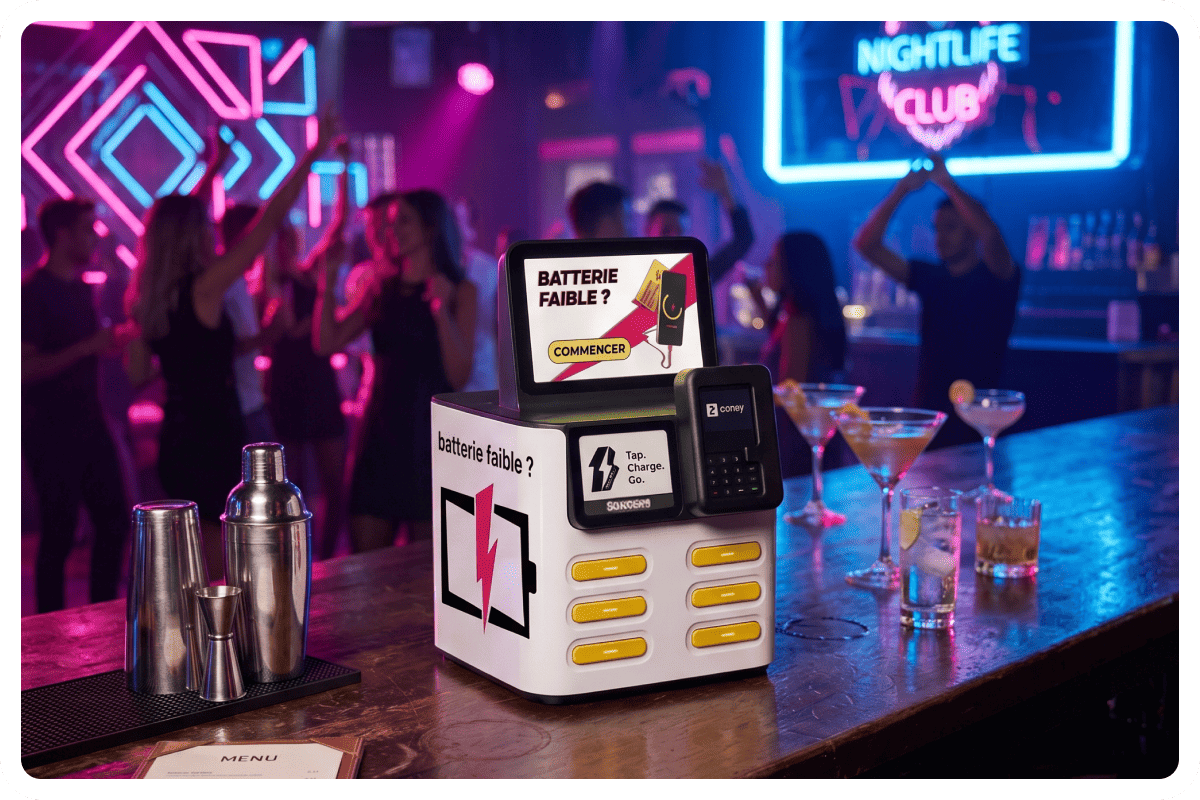
Self-service power banks: phone charging for bars and nightclubs
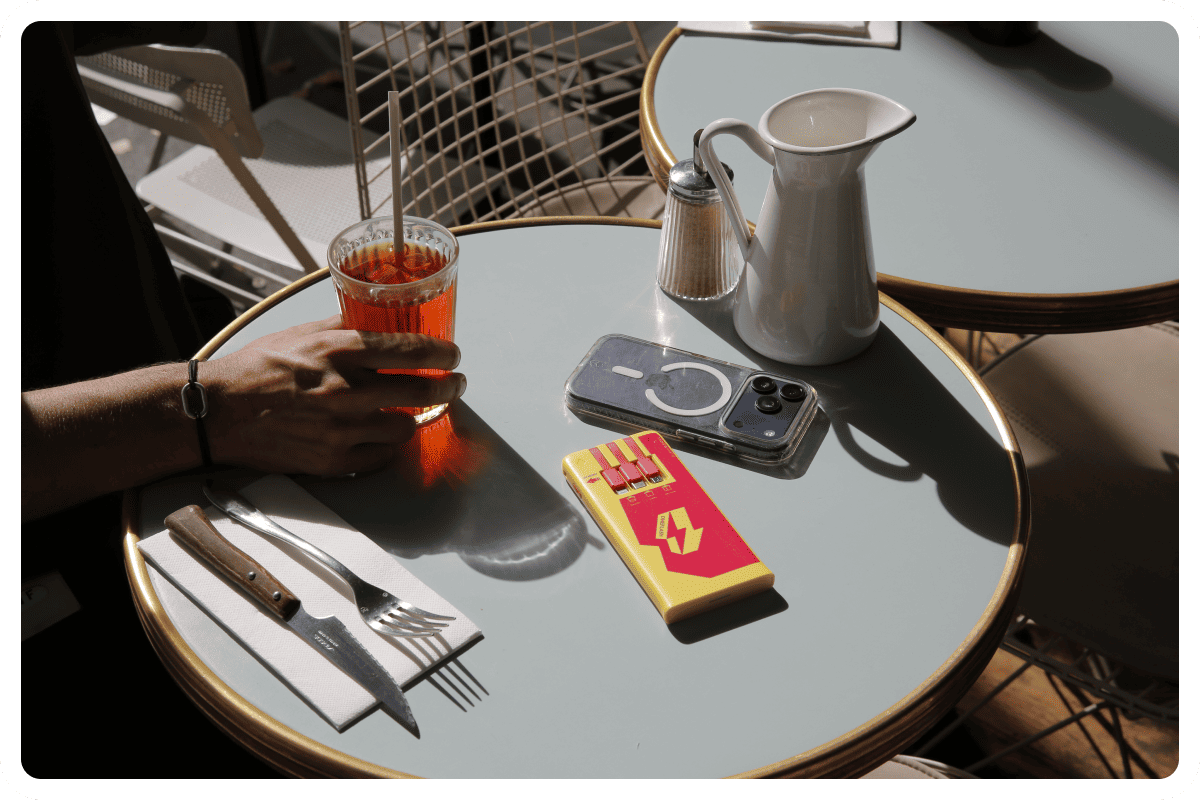
Standalone power bank station: phone charging at the restaurant
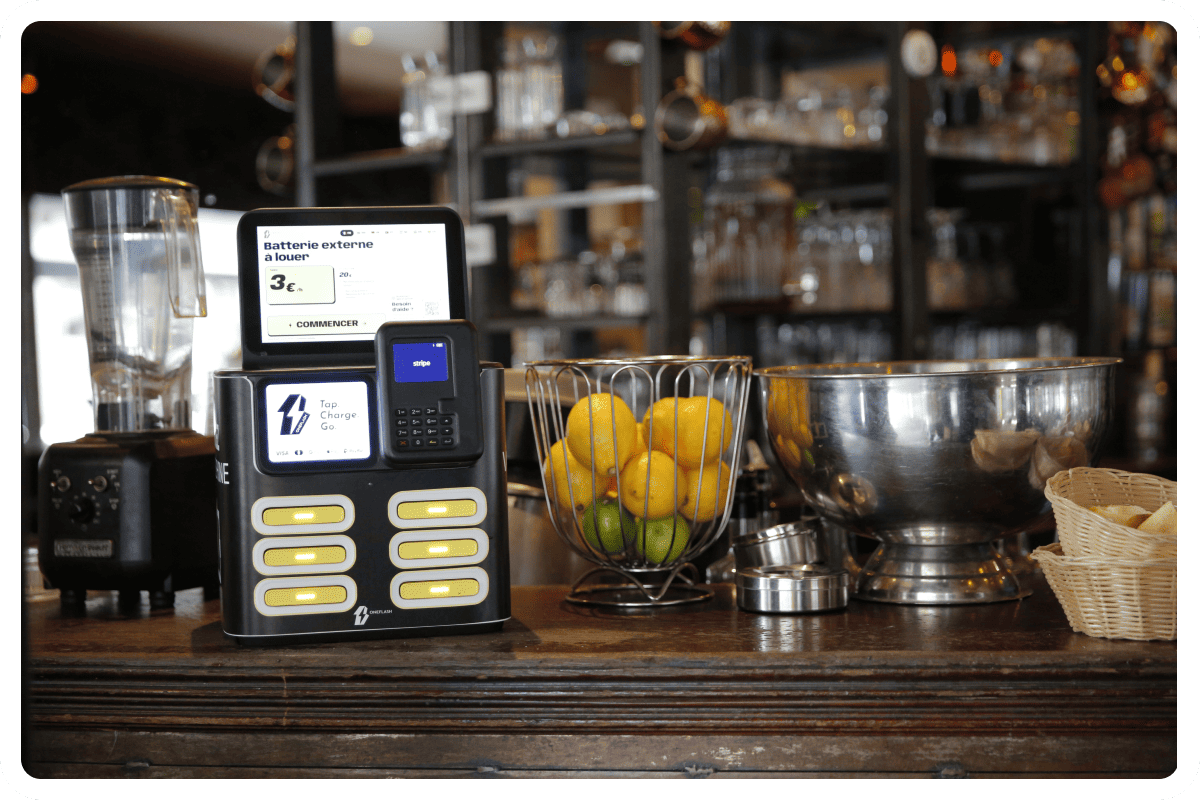
Customer loyalty in restaurants: bring guests back with phone charging
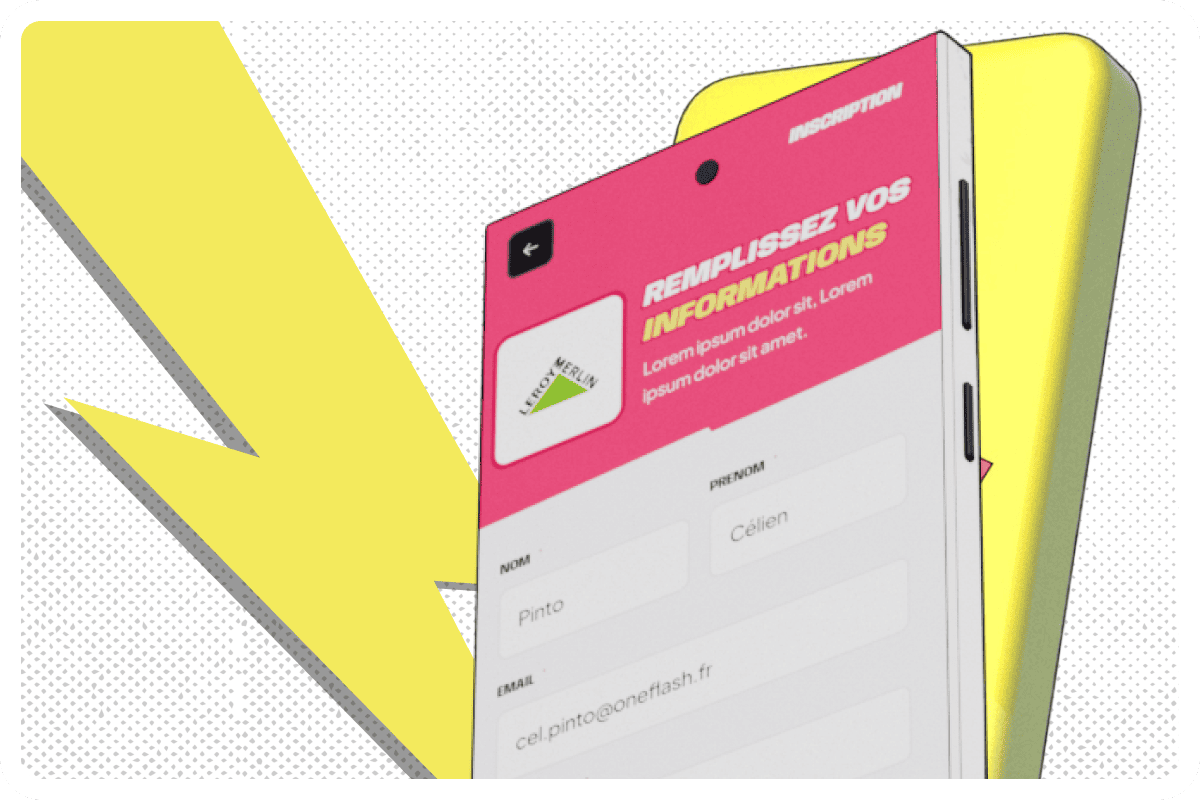
Customer knowledge: how to collect the right data
Marketing activation: turning every interaction into an engagement lever for your brand
Charging stations in conference centres: equipping an event

Charging stations in theme parks: improving the visitor experience all day long
CSR approach: the mobile charging station, a concrete lever for businesses welcoming the public

Grégory Sion (Pierre & Vacances): Share Your Power - Episode 14

Sébastien Manceau (European Camping Group): Share Your Power - Episode 13
Mobile charging: every way to charge your phone easily

Dominique Thillaud (Compagnie des Alpes): Share Your Power - Episode 12
.jpeg)
Charging stations: the complete guide to choosing

Mike Hadjadj (La Retail Tech): Share Your Power - Episode 11
%2520(1).jpeg)
USB fast charging: the complete guide

Antoine de Tavernost (Auditoire): Share Your Power - Episode 10
Charging station rental: the complete guide

Power banks for mobile devices: the complete guide
Phone charging in public places: wall sockets
Ask Jamy! How does a power bank work?
In-store customer experience tools: the levers to activate

Are portable power banks dangerous?
The best power bank station services